BingX Futures: What to Check Before You Trade
BingX has a perpetual futures product that is popular with copy traders and automation users. Before using your account with an arbitrage bot, it is worth checking a few specific points.
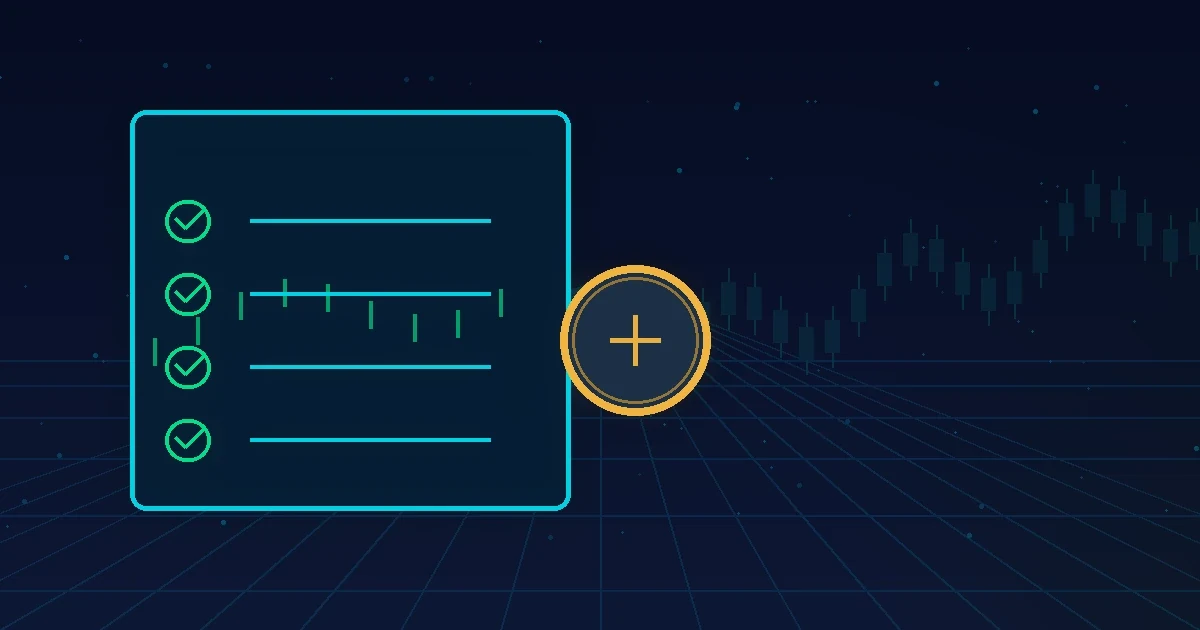
Checklist before you start
- Account created through the official website, with 2FA turned on.
- USDT in the perpetual futures wallet (sometimes you need to transfer it from another wallet).
- Margin mode chosen (isolated for arbitrage).
- An API key without withdrawals, created following this guide.
- Order test with a small amount.
Specific points
- Minimum order size: each coin has a minimum. If your entry falls below it on either leg, the trade is rejected. See how much capital you need.
- Position mode: check whether the account is in hedge mode (two-way) or one-way, since it changes how positions are opened and closed.
- Order book: on small coins the spread can be wide. Compare it with the other exchange before entering.
- Funding rate information: the funding rate and its interval are shown on the contract page and on the dashboard cards.
Combining BingX with another exchange
Arbitrage needs two legs. BingX pairs well with exchanges like Bitget, XT or Gate, as long as both have the coin with good volume. The dashboard shows the combinations with the highest net profit, after fees. Understand the calculation in how to calculate funding rate profit.
Opening the account
To create the account through our referral link, use Open a BingX account. The terms depend on the exchange, and you pay nothing extra. Then add the key on the dashboard and start with a low amount.
Common mistakes
- Trading a coin whose minimum amount is above your entry.
- Mixing up the account’s position mode with what the bot expects.
- Forgetting isolated margin on new coins.
- Leaving the balance only in the wallet of another exchange product.
Order test: what it confirms
The test creates a small order, checks that it opens and closes and that the permissions are right. It is the fastest way to find key, IP or position mode problems before using real money in the strategy.
Related guide: what the funding rate is. See also all the crypto arbitrage guides.
Frequently asked questions
Is BingX validated for the bot?
Yes, BingX is among the exchanges with validated automated trading for customers.
Do I need a large balance?
No, but the coin’s minimum order size must be respected on both legs.
Does the order test cost money?
There may be a minimal exchange fee for opening and closing a small position. The cost is usually low.
Start with $30 in credits
Connect your exchanges with keys that can't withdraw and let the bot work. You pay 30% of the profit, and only when there is a profit.
Create my account →Read also
Best Exchanges for Funding Rate Arbitrage
Criteria for choosing exchanges for funding rate arbitrage: liquidity, futures API, fees, margin mode and which exchanges Multi Arbitrage monitors.
3 min read
How to Calculate Funding Arbitrage Profit
Step-by-step guide to calculating the net result of a funding arbitrage: funding received, fees, spread and opportunity cost, with an example.
3 min read
How Much Capital Do You Need to Start Arbitrage
How much money you need to start funding rate arbitrage: margin on both exchanges, minimum order sizes, fees and an example with real numbers.
2 min read
This content is for information only and is not investment advice. Trading crypto derivatives involves a high risk, including the total loss of your capital. Past results do not guarantee future results, and the figures mentioned are examples. Before trading, check whether trading crypto derivatives is allowed in your country and what your tax obligations are. Assess whether the product suits your profile before investing.